

- On sale!


 Security policy
(edit with the Customer Reassurance module)
 Delivery policy
(edit with the Customer Reassurance module)
 Return policy
(edit with the Customer Reassurance module)
DrPhone Dashcam RANGET1 PRO is a compact dash camera that you can easily place on your car's windscreen. Moreover, the operation of the dash camera is simple for new users. The RANGET1 PRO dash camera ensures that everything happening in front of you on the road is recorded. This is very useful for: car accidents, antisocial drivers on the road, etc.
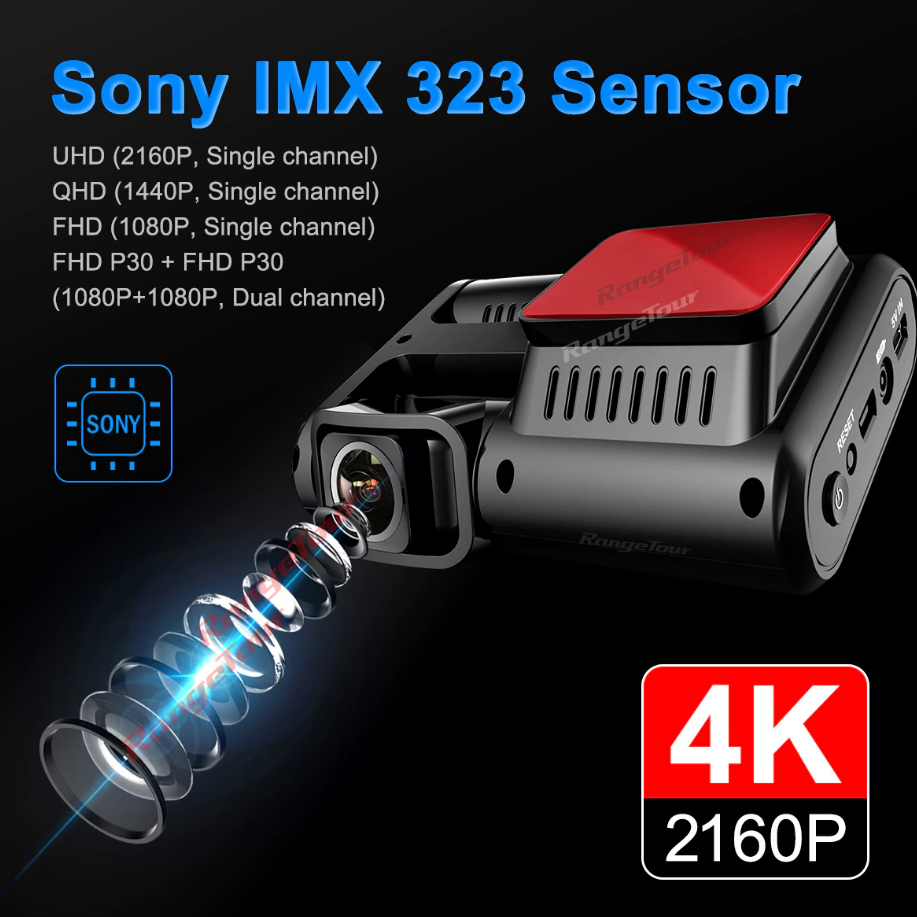
Sharp video quality: DrPhone Dashcam RANGET1 PRO has 4K Ultra HD video quality. Even when driving at night, the dash camera records a clear video with excellent video quality.
Full view: The RANGET1 PRO has a dual wide-angle lens allowing simultaneous recording of the road ahead and the interior of the vehicle in front of you.
Sensor: In the event of a collision, the recorder will automatically protect the recording file from being overwritten. When the memory card is full, the current recording can lock at critical moments (such as car accidents), ensuring your high-quality recordings are protected.
Wi-Fi compatibility: Because the RANGET1 PRO is equipped with Wi-Fi, all footage can be easily viewed via smartphone. The Taimaxin App is available for iOS (Apple) and Android phones and tablets. Through the app, footage can be viewed and downloaded. You can view the footage directly with one click in the app.
GPS Function: The GPS module accurately records your vehicle's location, speed, and route. It can also be viewed using the GPS player on a Windows computer.
Installation:
Features:
Specifications:


