


DrPhone LM1 A - Smart Video Doorbell Camera – Smart Life / TUYA / Google Assistant / Alexa - 1080P – HD – Night Vision Camera – Wifi video doorbell – Wireless IP doorbell -
DrPhone LM1 A - Smart Video Doorbell Camera – Smart Life / TUYA / Google Assistant / Alexa - 1080P – HD – Night Vision Camera – Wifi video doorbell – Wireless IP doorbell -
 Security policy
(edit with the Customer Reassurance module)
 Delivery policy
(edit with the Customer Reassurance module)
 Return policy
(edit with the Customer Reassurance module)
With the DrPhone LM1 Smart Video Doorbell camera, you can now secure your door from anywhere. You can link the doorbell and your smartphone to check who is at your door at any time, wherever you are! When a visitor presses the doorbell, a sound will be activated causing the camera to start sending a real-time call to the mobile phone.
The user receives the call and can check who the visitor is. You can start a conversation immediately via the DrPhone Smart Video Doorbell camera. If you are expecting a package and are not at home, you can give instructions to the delivery person via the LM1 smart camera. Use our simple guide to connect with different smartphones in a few steps.
Features:
- Full HD with night vision up to 10 metres
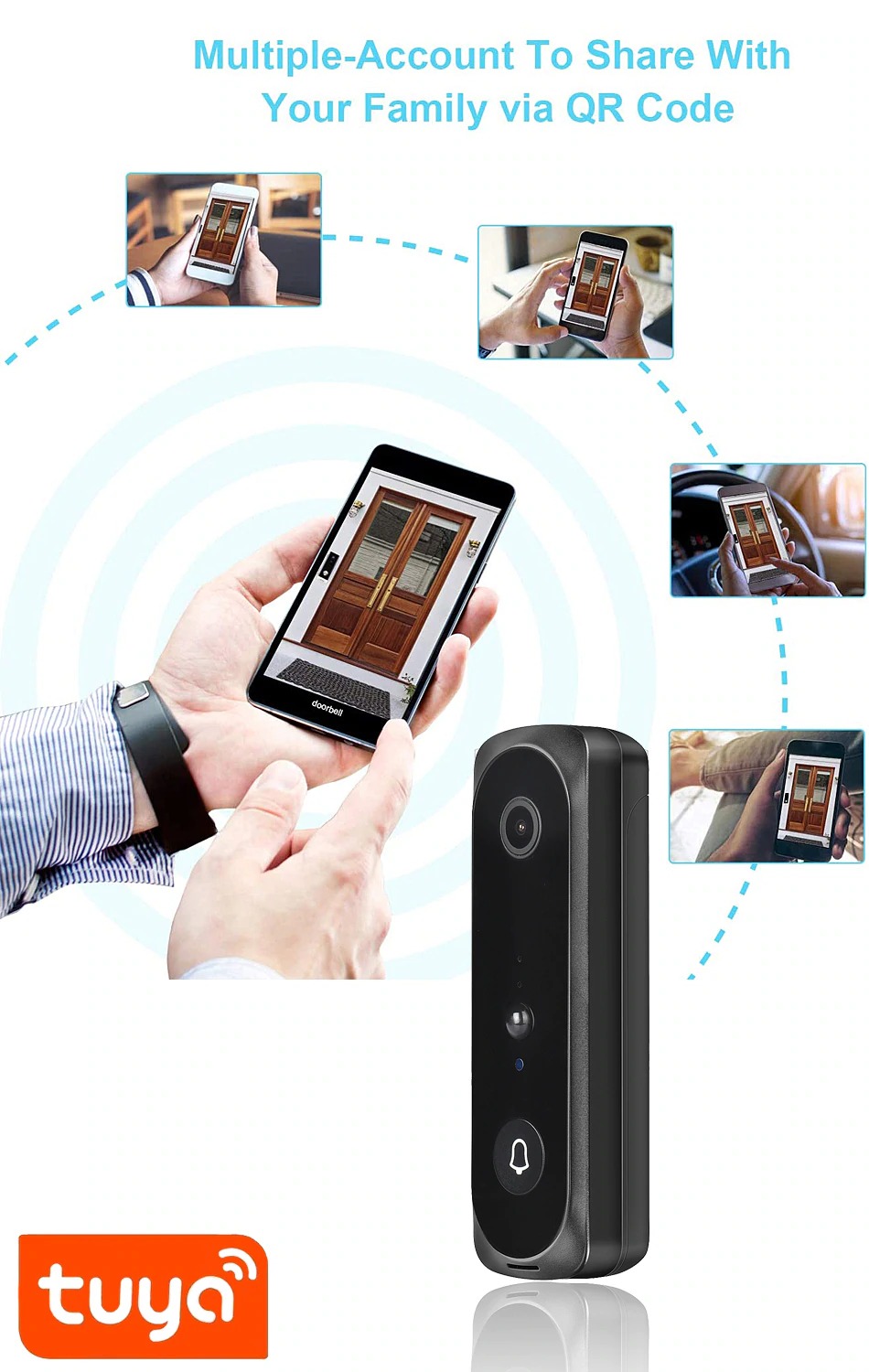
- Connect with multiple smartphones simultaneously.
- 6 months standby
- Easy connection with 2.4Ghz wifi network
- Doorbell that does not make too much noise
- View and speak through the camera worldwide via the app on your smartphone
- Connect to your smartphone or tablet via WiFi or 4/5G
Specifications:
Brand name: DrPhone
Model: LM1
Intercom: Yes
Alarm: Yes
Resolution: 1920x1080P FULL HD
Function 1: video recording (continuous)
Function 2: taking photos
Item type: Video doorbell
Operating temperature: -10 ~ 50 degrees Celsius
Mobile App: TUYA/Smart life
Pixel lens: 166 wide-angle
Camera activation via: Doorbell press/Sensor/Mobile phone application
Waterproof: Yes
Night vision: 6 times Infra-Red LED light
Battery: 2600mAh Battery: 2 x 18650
Direct power via: Micro USB
Video compression method: H.264
Product dimensions: 141x45.5x35mm
Micro-SD card: supports micro SD card up to 128 GB (not included)
Easy Installation:
Step 1: Insert the batteries into the camera (or plug the camera directly into a USB port of a wall charger for power using a MICRO USB cable).
Step 2: Download the corresponding app via the app store (APP STORE/PLAY STORE). The app is called SMART LIFE or TUYA.
Step 3: Choose the category ''Camera with WIFI'' and follow all steps. Make sure the camera light is blinking.
Step 4: Connect the camera by holding the camera in front of the phone QR code.
Step 5: Camera connected. Adjust settings to save energy. (PIR SENSOR on low or off).
Step 6: Online support via WhatsApp? Service number: 0646101233


DrPhone LM1 A - Smart Video Doorbell Camera – Smart Life / TUYA / Google Assistant / Alexa - 1080P – HD – Night Vision Camera – Wifi video doorbell – Wireless IP doorbell -